
All articles
Onboarding2 min read·

Employee Onboarding Checklist: What to Cover in the First 90 Days

A practical employee onboarding checklist divided into day one, the first week, the first month, and the first 90 days, plus the HR tasks you can automate behind the scenes.

S

SimpleHR Team

SimpleHR

Great onboarding is less about a single orientation day and more about a deliberate arc across the first three months. A good checklist keeps it consistent for every hire, so you do not forget the paperwork while focusing on the person.

Here is a practical onboarding checklist split by time frame, plus the HR tasks that are easier to automate than to track by hand.

Before the start date

  • Send the offer letter and collect the signed acceptance.
  • Create the employee record with role, department, and start date.
  • Schedule a manager and set up first-week meetings.
  • Order equipment and grant access to the tools they will need.
  • Prepare their workspace or remote setup.
  • Add them to payroll, attendance, and leave profiles.

Day one

  • Do the introductions and a tour.
  • Review the employee handbook and key policies.
  • Set up logins and walk through the tools they will use.
  • Explain how to request time off and track attendance.
  • Introduce their manager and a buddy or mentor.
  • Give them something real to work on by the afternoon.

First week

  • Hold a 30-60-90 goals meeting so expectations are clear.
  • Assign training and any required compliance courses.
  • Set up a recurring check-in with the manager.
  • Introduce the people and teams they will work with.
  • Make sure leave, attendance, and payroll details are set.

First month

  • Complete a first-month review of how things are going.
  • Confirm they are meeting role expectations.
  • Review benefit enrollment and paperwork with them.
  • Collect feedback on the onboarding experience.
  • Adjust onboarding tasks that are not working.

First 90 days

  • Hold the 90-day performance review.
  • Set goals for the next quarter.
  • Check that probation or trial periods are handled.
  • Confirm all documentation and signatures are filed.
  • Plan their development for the coming months.

Automate the paperwork that slows onboarding

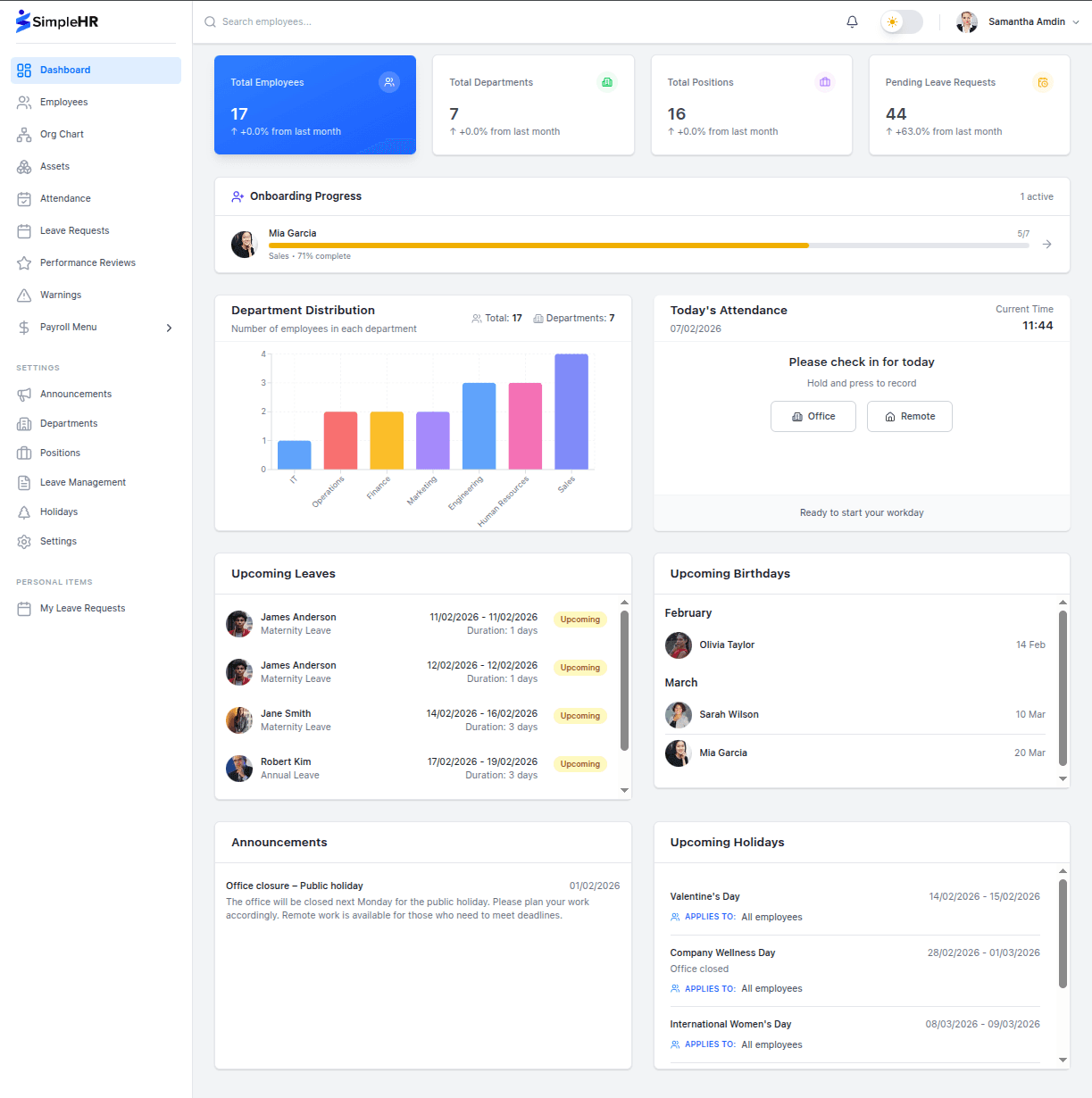
A lot of onboarding is repeated admin: creating profiles, assigning tasks, tracking progress. HR software turns this into a checklist per employee, with automatic progress and reminders, so nothing slips when you hire several people at once.

Track progress automatically

Instead of chasing tasks by email, use a task list with due dates that shows completion progress for each new hire. Managers can see at a glance who still has unfinished onboarding steps.

Frequently asked questions

How long should onboarding last?
Most teams run a structured arc over the first 90 days, with clear milestones at day one, week one, month one, and the 90-day mark.
Who owns the onboarding process?
HR usually keeps it moving, while the hiring manager handles the day-to-day experience. A shared task list keeps both sides on track.
Can I reuse the same checklist for every hire?
Yes. Start from a standard template and adjust per role. Consistency across hires is one of the biggest benefits of a formal checklist.
What happens if onboarding is not going well?
Use early check-ins to catch problems. A first-week meeting and a 30-day review give new hires a chance to speak up before small issues grow.

The bottom line

Good onboarding is a structured process, not a single day. Use a checklist that reaches across the first 90 days, automate the repeated HR tasks, and keep checking in with the person rather than just the paperwork.

Put it into practice

Explore the live demo or grab the source code and set up SimpleHR for your team today.