How to Run Payroll for a Small Business: A Step-by-Step Guide
Running payroll for the first time? Here is the step-by-step process, from gathering employee data to paying employees and withholding taxes, plus the mistakes that cost small businesses most.
S
SimpleHR Team
SimpleHR
Payroll looks intimidating until you break it into steps. In essence, you collect the data, calculate gross pay, subtract deductions and withholdings, and pay everyone on schedule. Do that consistently and accurately, and you avoid the two things that hurt small businesses most: errors and missed deadlines.
This is general information, not tax or legal advice
Payroll rules vary by location and change often. Check the rules for your state or country and talk to an accountant or legal advisor before making decisions.
Before you run your first payroll
A little prep saves real headaches. Make sure you have the essentials in place first.
Collect each employee’s tax and identification details.
Confirm how each person is classified: employee versus contractor, and salaried versus hourly.
Set a clear pay schedule, such as monthly, semi-monthly, or bi-weekly.
Record bank details for each employee.
Track hours, leave, and overtime in one place.
The payroll process, step by step
Gather gross pay for the period, including hours worked and salary.
Add overtime, bonuses, commissions, or advances as applicable.
Subtract pre-tax deductions and benefits.
Calculate payroll taxes and withholdings.
Figure net pay and prepare payslips.
Pay employees on schedule and file the required taxes.
Keep records and report totals at year end.
The mistakes that cost small businesses the most
Misclassifying employees as contractors, which can lead to tax and wage problems.
Wrong pay schedule or inconsistent pay dates.
Miscalculating overtime on top of other payments.
Missing tax filing and payment deadlines.
Losing records when you need them for an audit or dispute.
When to use payroll software
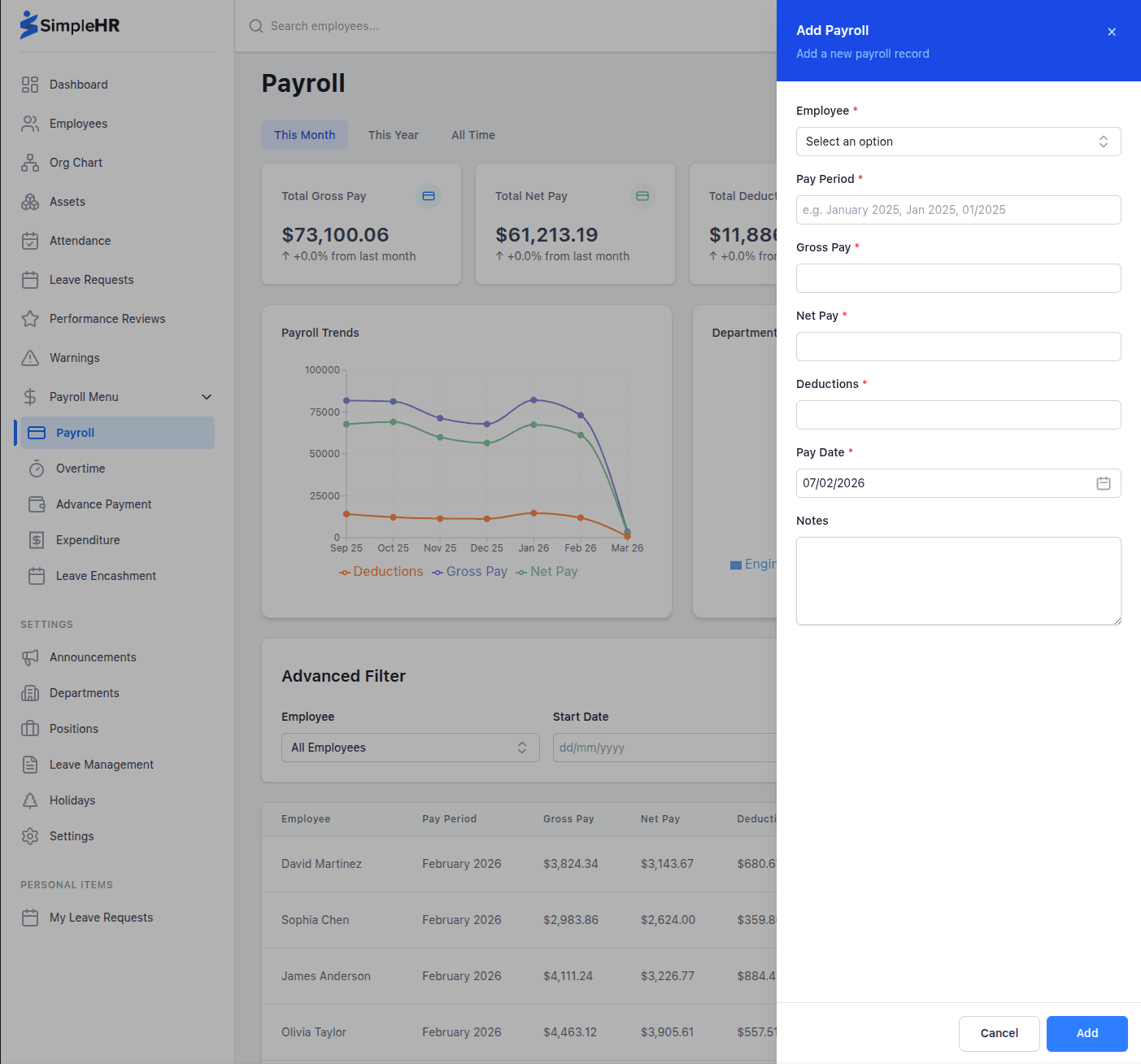
You can run payroll in a spreadsheet at first, but errors multiply as the team grows. Payroll software helps by keeping employee data, attendance, leave, and pay in one place, so hours flow into pay automatically and payslips are produced without retyping numbers.
Look for a tool that tracks attendance and leave so the pay calculation starts from accurate time-off and hours, and that produces records you can keep for years.
Keep your data portable
Choose a system that can export employee and payroll records to CSV. That makes reporting, backups, and switching systems easier later on.
Frequently asked questions
Can I do payroll for a small business by myself?
Yes, many owners run payroll on their own, especially early on. The key is accurate records, a consistent schedule, and meeting tax deadlines.
What is gross pay versus net pay?
Gross pay is the full amount earned before anything is taken out. Net pay is what the employee takes home after deductions and withholdings.
When should I switch from spreadsheets to payroll software?
Once the team grows, hours and leave get harder to track by hand, or when you start noticing errors. Most small businesses switch around the time manual tracking becomes a weekly chore.
How long should I keep payroll records?
Rules vary, but keeping payroll records for several years is a common practice. Check the requirements for your location and keep them safe and organized.
The bottom line
Payroll is doable if you treat it as a repeatable process: gather the data, calculate gross pay, subtract deductions, pay on schedule, and keep records. Use software once manual tracking gets risky, and keep your records portable and organized.