
Leave3 min read
How to Calculate PTO and Vacation Accrual
How to set up and calculate paid time off, using annual and accrual methods, prorating for new hires, handling carryover, and keeping balances accurate.
#PTO#Vacation
ReadHow to design a leave policy that runs itself: creating leave types, allocating balances, handling requests and approvals, automatic carryover, and turning unused days into cash.
SimpleHR Team
SimpleHR
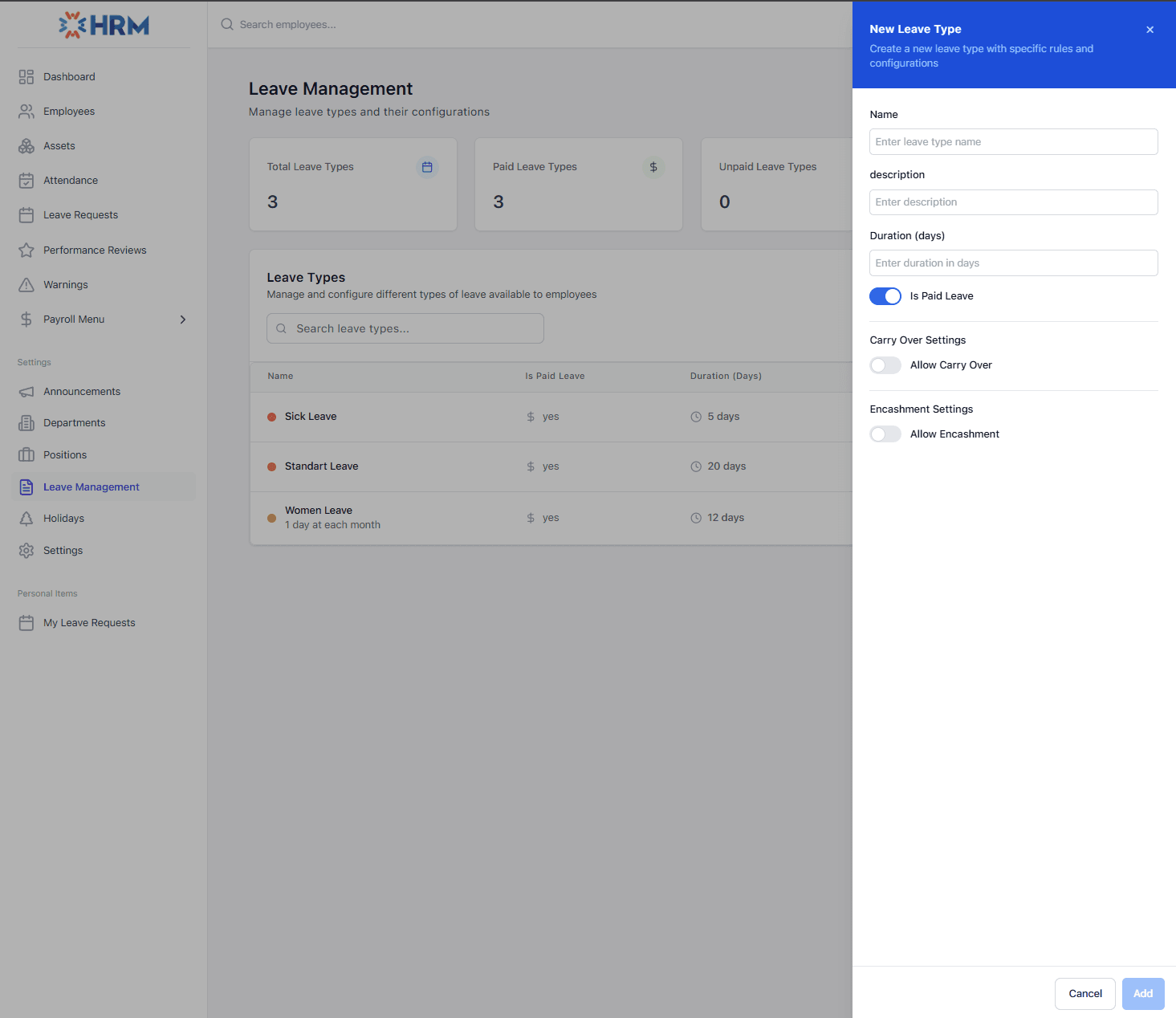
Leave management is one of those things that feels simple until someone’s leave doesn’t get approved on time, and then everyone knows your name. Done well, it’s a quiet system: employees request time off, managers approve it, balances stay accurate, and nobody has to chase anyone down.
This guide walks through how to set up leave so it runs itself: defining leave types, allocating balances, handling requests and approvals, automatic year-end carryover, and (if your policy allows) letting employees convert unused days into cash.
Before anyone can take time off, your HR team creates the leave types your company recognizes, typically annual leave, sick leave, and maybe unpaid or special leave. Each type carries the rules that shape how it behaves.
Leave types come first
Once a leave type exists, it can be allocated to employees. The default duration is a starting point: you can customize the exact balance per employee in their profile. This is how you handle different policies for different people (e.g. more days for senior staff).
The best leave workflow is boring in the best way: request in, notification out, decision back.
Employees submit a leave request from their My Leave Requests page. Their manager is notified (by email or push, depending on how you’ve configured notifications) and reviews it. On approval or rejection, the employee is notified of the decision. Everything is tracked, nothing gets lost in a mailbox.
| Actor | Can do | Tool |
|---|---|---|
| Employee | Submit & track own requests | My Leave Requests |
| Manager | Approve/reject own & subordinates’ | Leave Requests |
| Admin | Approve/reject all requests | Leave Requests |
The dreaded January spreadsheet (calculating who carried over how many days) is exactly the kind of work HR software should remove. When a new year starts, SimpleHR can Create New Year Allocations for all employees in one action.
If carryover is enabled for a leave type, unused days from the previous year are automatically added to the new allocation (up to the maximum you set). Employees don’t even need to submit carryover requests; it just happens.
Carryover in action
Some companies let employees convert unused leave days into money, a benefit that rewards people who don’t take all their time off. Encashment works through the same request flow: an employee requests to encash available days, a manager approves, and the amount is tracked.
Encashment is optional per leave type and capped by a maximum number of days, so you control exactly how much time can be monetized under your policy.
A shared holiday calendar keeps everyone aligned. Admins and managers add public holidays for the whole company, and everyone sees upcoming holidays on the dashboard. Note that holidays are informational; they don’t automatically add or remove leave days, even if they overlap with an employee’s leave.
Leave management runs smoothly when the policy is encoded up front: clear leave types, accurate allocations, a clean request-and-approve flow, automatic carryover, and optional encashment. Configure those once, and leave becomes the quiet, reliable process it’s meant to be for employees and HR alike.
How to set up and calculate paid time off, using annual and accrual methods, prorating for new hires, handling carryover, and keeping balances accurate.
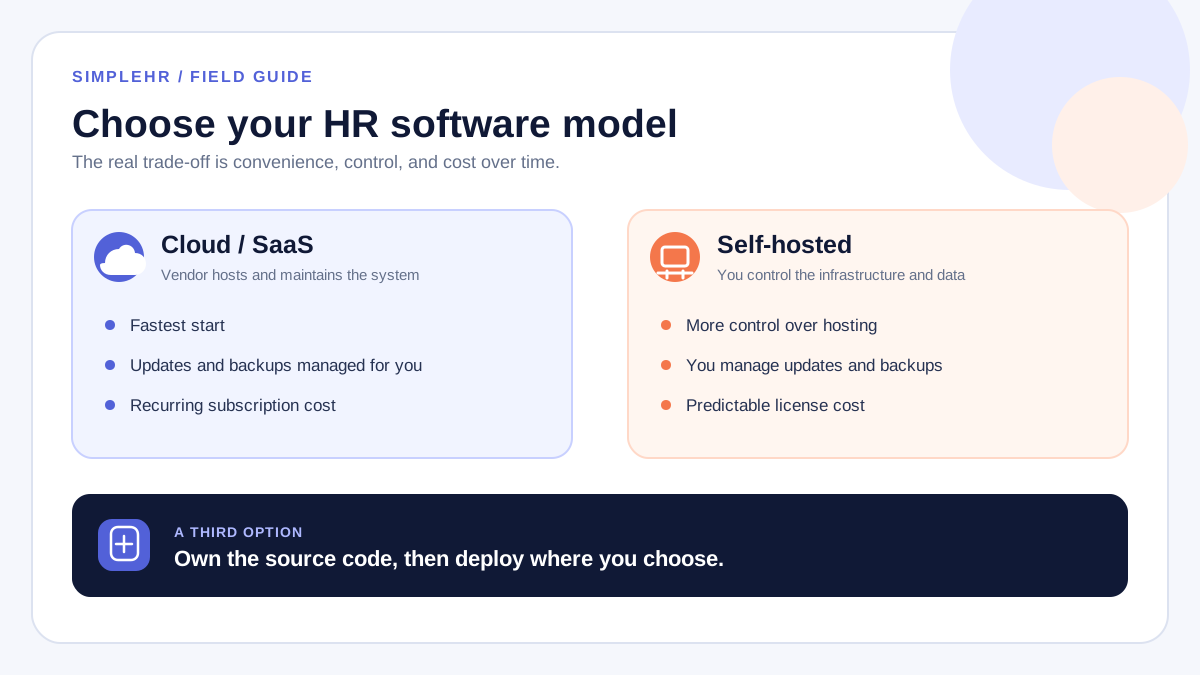
Self-hosted or cloud HR software? Compare cost, control, security, and setup for small teams, and learn which deployment model fits your business — plus a third option that gives you both.
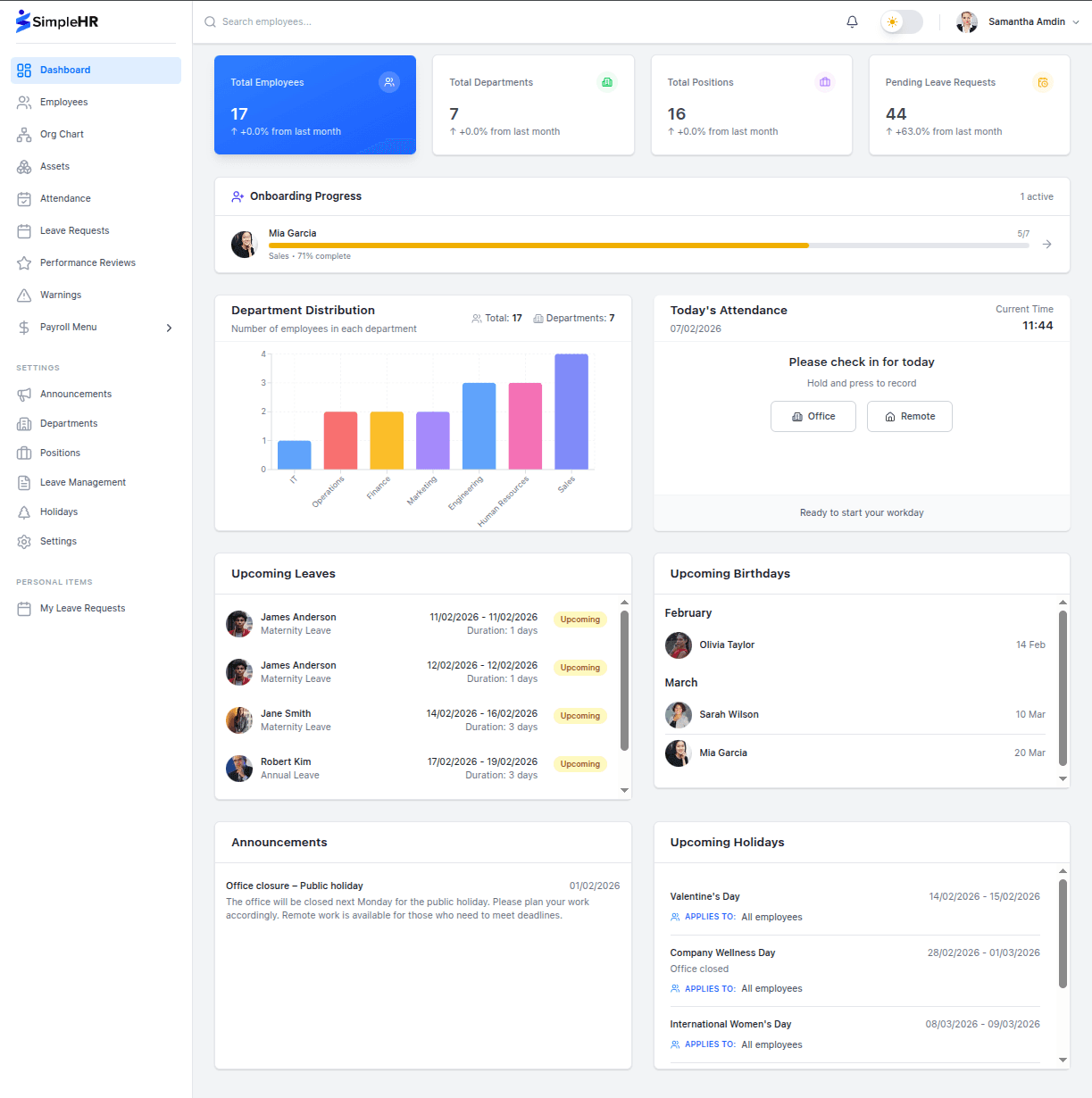
From the setup wizard to departments, positions, employees, and CSV import: a practical, first-week roadmap for getting your employee data into HR software so your team can actually use it.
Explore the live demo or grab the source code and set up SimpleHR for your team today.