Best HR Software for Small Business: Features, Costs, and How to Choose
What to look for in HR software for a small business, what it should cost, and how to choose a tool your team will actually use without paying for enterprise features.
S
SimpleHR Team
SimpleHR
Small businesses need the same HR capabilities as large ones, but with a fraction of the budget and no dedicated IT team. The best HR software for a small business is the one that fits that reality: easy to set up, affordable as you grow, and simple enough that people actually use it.
This guide covers the features that matter most for small teams, what to expect to pay, and the questions to ask before you choose a tool.
The features small businesses actually need
Enterprise HR suites come with modules that most small teams never touch. Focus on the essentials, and add capabilities only when you need them.
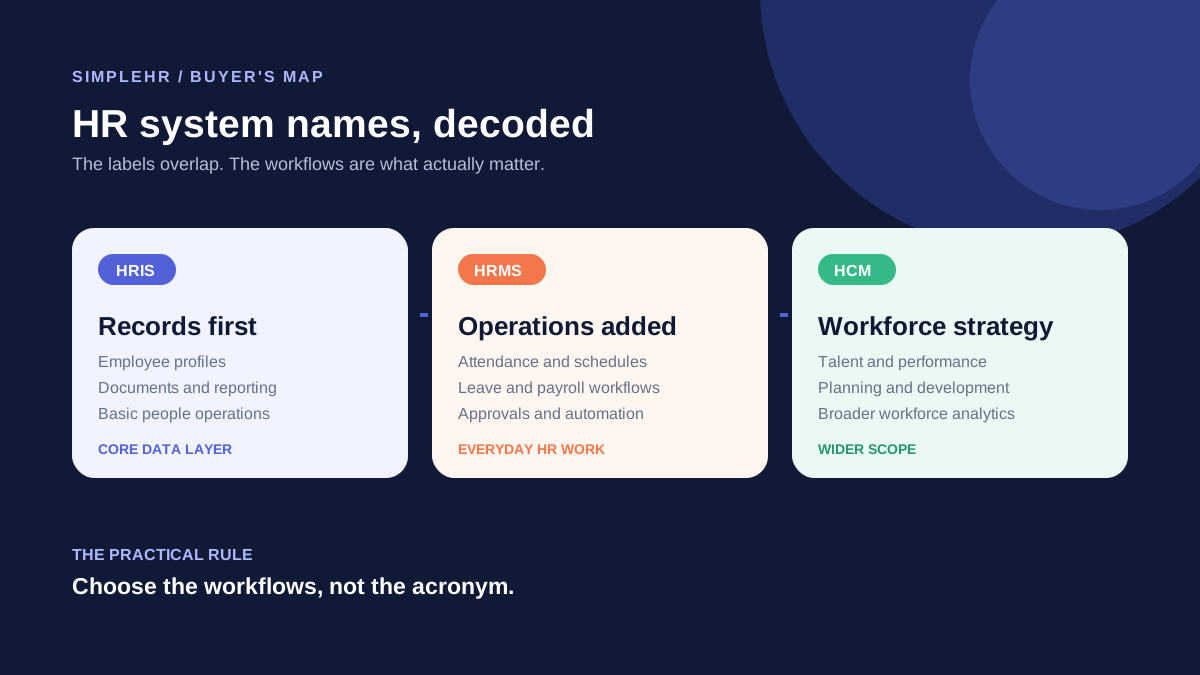
Employee records: profiles that hold personal, employment, and emergency details.
Time and attendance: check-in/out plus a record per employee per work day.
Leave management: leave types, requests, approvals, and balances.
Payroll support: payslips, advances, overtime, and expense tracking.
Document storage: a safe home for contracts, licenses, and certificates.
Onboarding and performance: task lists and reviews that keep new hires on track.
What small business HR software should cost
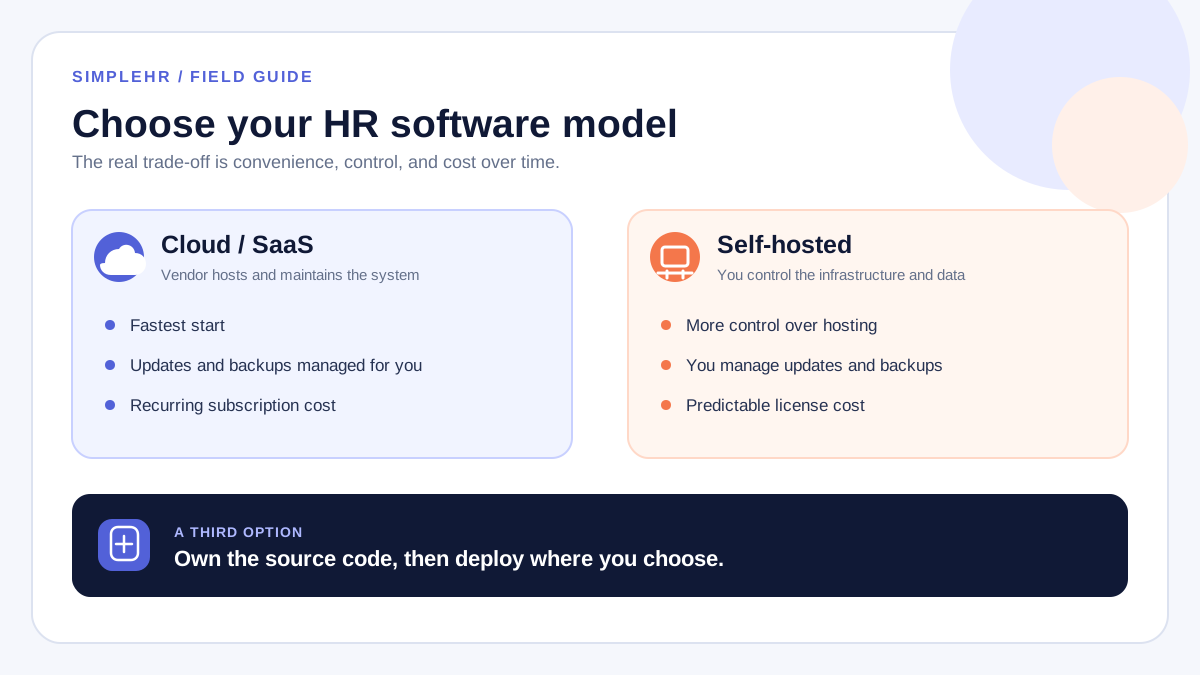
Pricing varies, but most HR software charges per employee per month. A general sense of the range helps you set expectations before you talk to a vendor.
Approach
Typical cost
Notes
Subscription (SaaS)
Per employee per month
Predictable, but grows as you add people
One-time license
Pay once
Lower long-term cost, usually self-hosted
Free tiers
$0 for small limits
Good to start, limits appear as you grow
For a small team, the total cost is where it counts, not the monthly headline. A per-employee fee that seems tiny multiplies across your headcount and years in operation.
How to choose HR software for a small business
List the modules you need today, then the ones you expect to need in two years.
Set a realistic budget that includes growth, not just next month.
Try the demo or free trial with your own employee data.
Check that setup does not require a dedicated IT person.
Confirm you can export your data if you ever want to switch.
Read reviews from companies your size, not enterprise users.
Look for a tool that grows with you
The cheapest option is rarely the best long term if you will outgrow it. Pick something with room to add attendance, leave, and payroll without changing systems.
Frequently asked questions
What is the cheapest way to get HR software?
Free tiers and per-employee pricing suit very small teams. A one-time self-hosted license can also be cost-effective if you are comfortable running your own server.
Do I need HR software with exactly 10 employees?
Not strictly, but many teams reach that point because spreadsheets start causing errors. A simple tool can save a lot of time once you have more than a handful of staff.
Should HR software include payroll?
It helps to have payroll in the same system so attendance, leave, and pay share data. You can also keep them separate and integrate later.
How do I know if a tool is too complex for us?
If the demo requires training or a big setup process, it was built for larger teams. Small-business tools should let an admin get started in a day.
The bottom line
The best HR software for a small business is fast to set up, affordable as you grow, and simple enough that people use it. Buy only the modules you need, budget for growth, and test with your own data before committing.